
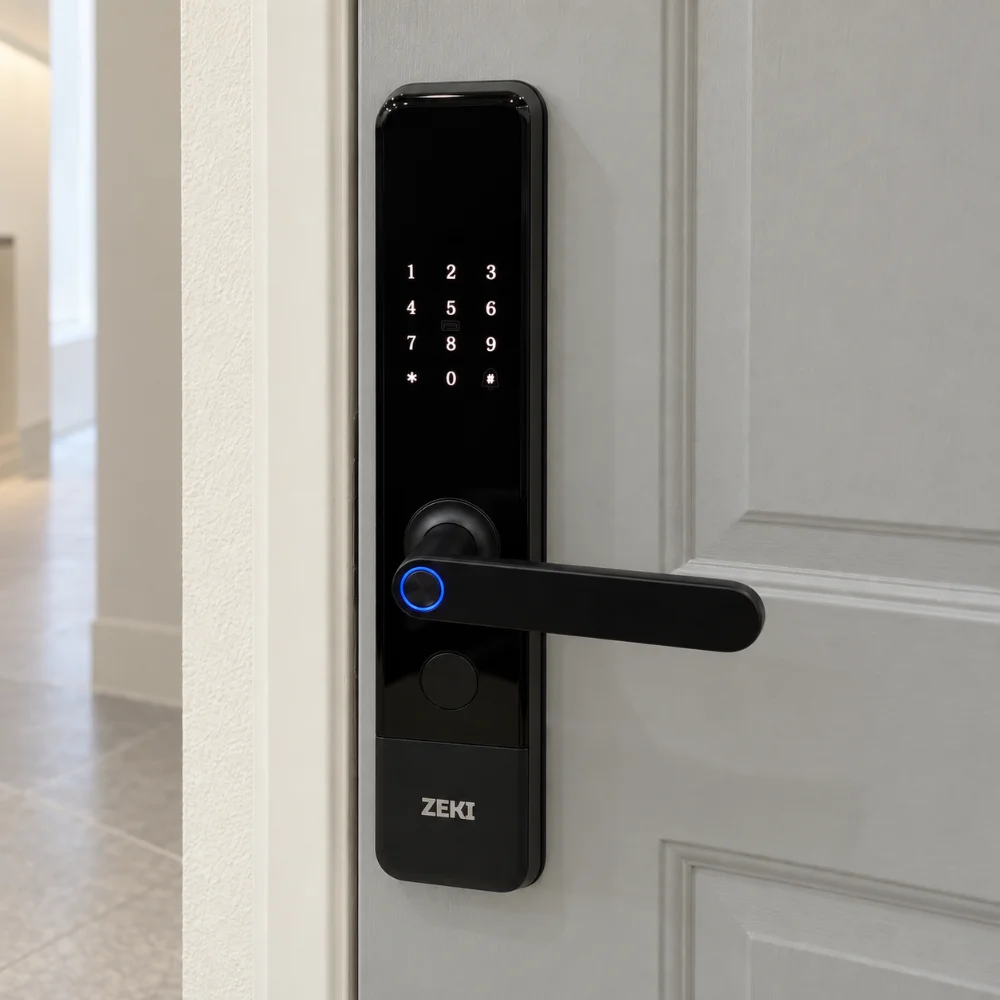
In this guide
Are fingerprint door locks safe?
Fingerprint door locks can provide practical and secure everyday access when the lock combines reliable fingerprint recognition with sensible backup methods, battery warnings, appropriate security controls and correct installation. However, no door lock should be considered completely risk-free simply because it uses biometrics.
Good fingerprint lock security depends on the complete system: the fingerprint sensor, PIN backup, IC card or mechanical key options, battery and emergency power system, door construction and how access credentials are managed.
When people ask whether fingerprint locks are safe, they are often focusing only on the biometric sensor. In reality, fingerprint smart lock safety involves much more than how quickly the reader recognizes a finger.
A good fingerprint door lock for home should make everyday access easier while also giving authorized users sensible alternatives when fingerprint access cannot be used. That is why buyers should compare the complete access system rather than judging a lock by one feature alone.
What Makes a Fingerprint Door Lock Safer?
The security of a biometric lock comes from several layers working together. Fingerprint recognition may be the main way you enter, but backup access, keypad privacy, power management and the physical door installation also matter.
Biometrics are only one part of door security
Biometric door lock safety should be evaluated together with the physical strength of the door, frame, mortise and fitting. A sophisticated fingerprint sensor cannot compensate for a weak or unsuitable door installation.
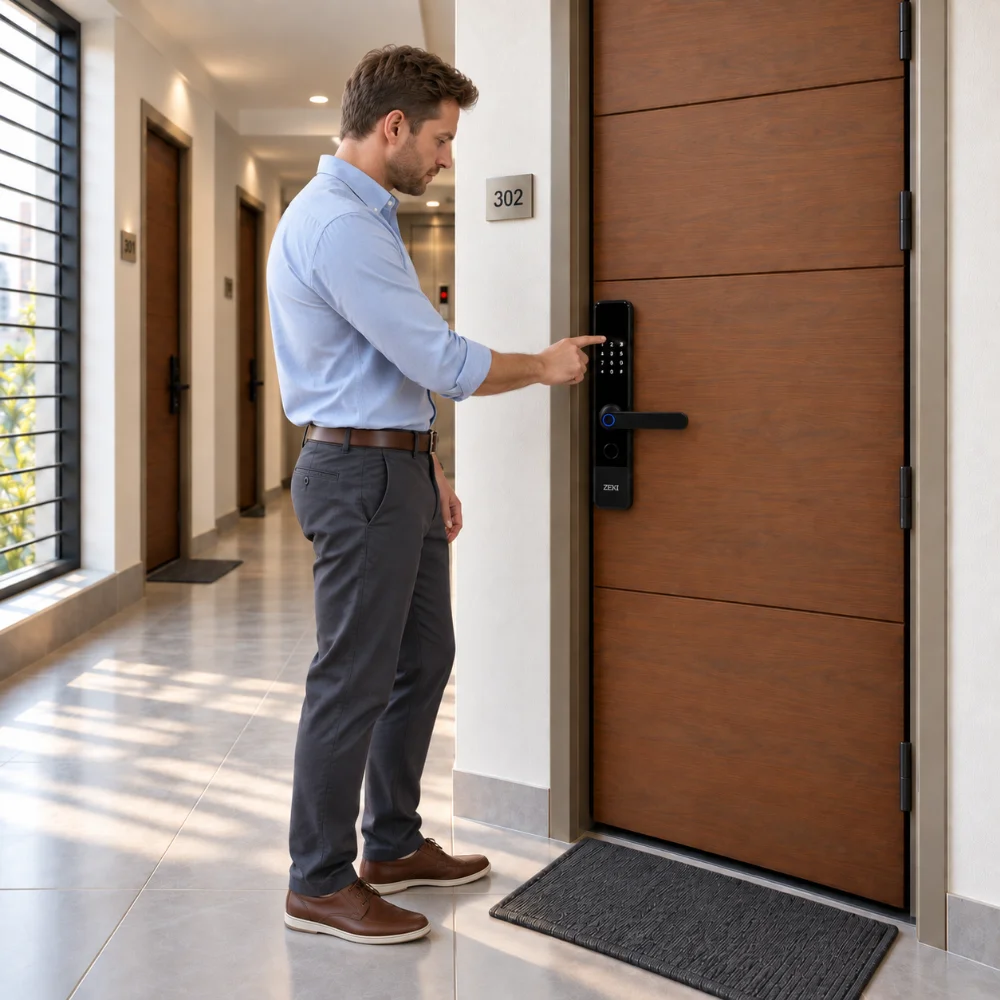
How Fingerprint Recognition Helps With Everyday Access
Fingerprint recognition allows an enrolled user to authenticate without carrying a physical key or entering a password every time. For households where the same family members enter regularly, this can make everyday access fast and convenient.
The important point is that the lock should authenticate a registered fingerprint rather than treating biometric access as a simple touch sensor. Users should also register fingerprints carefully and follow the product's enrollment instructions.
Where fingerprint access helps
- No physical key needed for routine entry
- No password to remember for everyday access
- Different authorized users can have their own fingerprint
- Convenient for frequent household entry
Why backup access still matters
- A fingerprint may not always be the preferred method
- The lock may require another method in an unusual situation
- Different family members may prefer different credentials
- Battery or hardware issues require a recovery option
Why PIN, IC Card and Mechanical Key Backup Matter
A fingerprint reader should not necessarily be the only way an authorized user can enter. Multiple access methods provide flexibility for different people and different situations.
| Access method | Why it matters | What buyers should check |
|---|---|---|
| Fingerprint | Fast biometric access for registered users. | Enrollment process, user capacity and alternative access methods. |
| PIN backup | Gives authorized users a keypad-based alternative to fingerprint entry. | Password management and keypad privacy features. |
| IC card | Useful for users who prefer a simple physical credential. | Card enrollment and how lost cards can be managed. |
| Mechanical key | Provides a physical backup access method when required. | Keep backup keys stored securely rather than beside the door. |
For a family home, having more than one authorized access method can be especially useful. Some users may prefer fingerprints, while another family member may be more comfortable using a PIN or registered card.
PIN Security and Virtual Password Protection
A keypad is a useful backup, but password privacy also deserves attention. If someone can easily watch a PIN being entered, the convenience of a digital keypad can create a different type of access risk.
A virtual password feature can make keypad entry more discreet by allowing unrelated digits to be entered around the correct password while keeping the real password within the full sequence.
Buyers should also look for appropriate protections against repeated failed access attempts. Some smart locks provide trial-and-error warnings, lockout behavior or anti-tamper or anti-breaking alerts depending on the model.
What Happens If the Smart Lock Battery Gets Low?
Battery management is an important part of fingerprint smart lock safety. A quality buying decision should include a clear understanding of the lock's normal power source, its low-battery warning and the documented backup procedure.
A low-battery alert gives users time to replace or recharge the normal power source. If the battery does become exhausted, supported emergency power can provide temporary external power so an authorized user can authenticate normally.
A mechanical key may provide another backup option on compatible locks. These recovery methods are one reason buyers should compare the complete power and access system rather than looking only at fingerprint recognition.
Load shedding and lock battery are different issues
Battery-powered smart locks do not rely on continuous household mains electricity for normal local authentication. However, internet-based app functions and the lock's internal power system are separate considerations and should be checked independently.
Does TTLock Make a Fingerprint Lock Safer?
An app does not automatically make a door lock more secure, but supported digital-management features can make access easier to organize. TTLock, for example, can provide supported credential management, passcodes, eKeys, access records and lock settings depending on the specific lock and connectivity configuration.
The important part is access discipline. Only trusted administrators should manage the lock, account credentials should be protected, and temporary or old credentials should be reviewed when they are no longer needed.
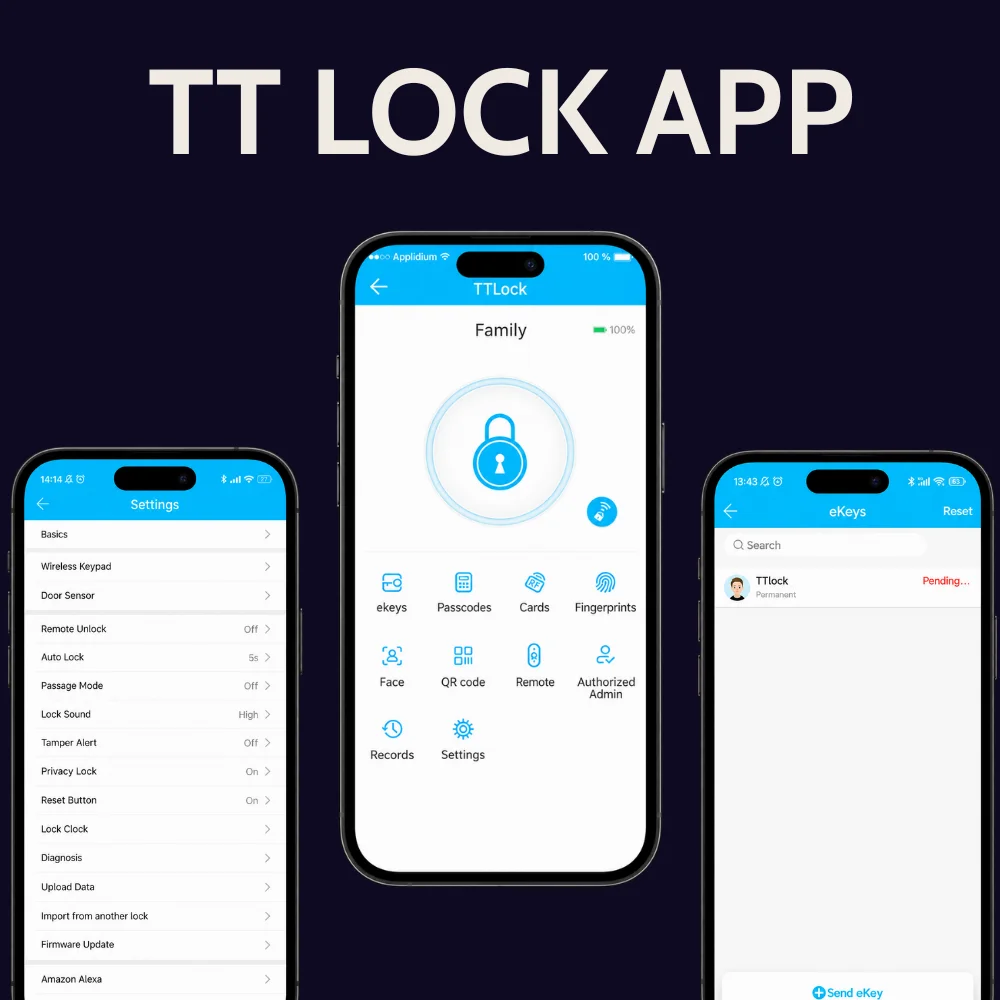
ZEKI X1: A Practical Fingerprint Smart Lock Example
The ZEKI X1 is a useful example of why fingerprint lock security should be viewed as a complete system rather than a single biometric feature.
Its primary access method is fingerprint recognition, while alternative access options include PIN/password, registered IC card, mechanical key and supported TTLock functionality. The X1 also includes a virtual-password function, low-power warning and Type-C emergency external power support.
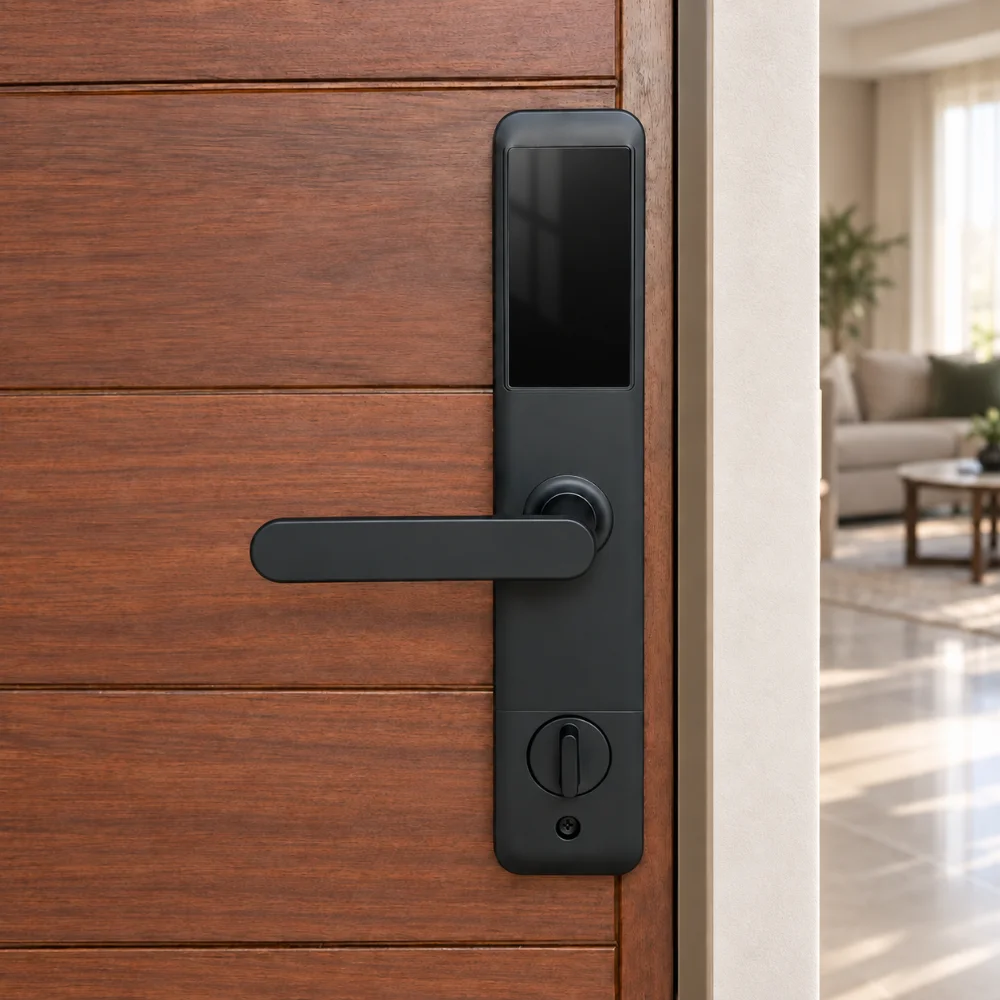
ZEKI X1 Fingerprint Smart Door Lock
The X1 is designed for buyers who want fingerprint-led everyday access while keeping multiple alternative ways to enter when required.
Fingerprint Smart Lock Safety Checklist
Before choosing a fingerprint lock for your home in Pakistan, check the complete system rather than only the biometric reader.
If you are still deciding which access technology suits your entrance, read our guide to choosing the right smart door lock in Pakistan before comparing individual models.
Looking for a Fingerprint Smart Lock?
Compare the ZEKI X1 with the rest of the ZEKI smart-lock range and choose according to your door, preferred access methods and everyday requirements.
Frequently Asked Questions
Are fingerprint door locks safe for homes?
Fingerprint door locks can provide practical and secure everyday access when they use reliable biometric authentication, appropriate backup methods, sensible power management and are correctly matched to the door. No lock should be treated as completely risk-free based on fingerprint technology alone.
Can someone unlock a fingerprint lock without my fingerprint?
Access depends on the authentication methods supported by the individual lock. Many fingerprint smart locks also provide authorized alternatives such as PIN, IC card, app functions or a mechanical key, so these credentials must also be managed securely.
What happens if fingerprint recognition does not work?
A multi-access smart lock can provide another authorized method such as a PIN, registered IC card, mechanical key or supported app function. The exact backup options depend on the lock model.
Are fingerprint locks safe when the battery is low?
Buyers should choose a model with a low-battery warning and understand its documented emergency-access process. Depending on the lock, this may include external emergency power and mechanical-key backup.
Is a fingerprint lock safer than a PIN lock?
The two methods solve different access needs. Fingerprint recognition avoids the need to remember or type a code, while a PIN provides a useful alternative access method. Overall security depends on the complete lock, credentials, door and installation rather than one authentication method being universally safer.
Does ZEKI X1 have a backup key?
Yes. The ZEKI X1 supports mechanical-key backup in addition to fingerprint, PIN/password, IC card and supported TTLock access functions.
What should I check before buying a fingerprint door lock?
Check fingerprint recognition, backup access methods, password privacy, battery warnings, emergency power, app requirements, alarm features and physical door compatibility before choosing a model.